

Introduction
In the current cybersecurity landscape, understanding an organization’s exposed digital footprint is a core priority. Shodan—often dubbed the world’s first search engine for Internet-connected devices—operates by systematically scanning IP addresses across the globe, grabbing service banners, and indexing raw protocol outputs. Unlike standard web search engines that crawl HTML page content, Shodan indexes everything from SSH servers, web portals, and databases to industrial control systems (ICS/SCADA) and IoT devices. Beyond basic port banners, it captures SSL/TLS certificates, software versions, and real-time network configurations to map out global digital infrastructure. As organizations rapidly scale cloud assets and remote infrastructure, passive reconnaissance has become an essential safeguard. This article provides a comprehensive Ultimate 2026 Shodan Cheat Sheet Guide designed for threat intelligence analysts, security engineers, and OSINT researchers. It consolidates foundational, intermediate, and advanced query techniques, along with practical command-line interface (CLI) commands, into an easily scannable reference guide.
Learning Objectives
After reading this article, you will be able to:
- Understand Shodan Syntax: Construct structured queries using foundational and boolean operators.
- Filter Internet-Facing Assets: Isolate specific software, operational technologies, database instances, and network ranges.
- Perform Advanced Attack Surface Analysis: Use SSL certificates, HTTP banners, and software vulnerability identifiers (CVEs) to locate misconfigurations.
- Leverage the Shodan CLI: Automate host intelligence collection and parse scan data directly from the terminal.

What is Shodan?
Shodan is a specialized reconnaissance platform that continually crawls the public IPv4 and IPv6 address space. Unlike traditional search engines that crawl and index web page content (HTML text, links, and documents) for end-users, Shodan operates at the infrastructure level. It connects directly to reachable IP addresses across standard and non-standard ports to read service headers and log public technical responses. The primary mechanism driving this data engine is known as “banner grabbing”. When Shodan’s distributed scanners interact with an open port, the target service sends back an initial metadata package—a banner. Shodan indexes these raw protocol outputs alongside derived context, such as precise geolocation, operating systems, ASN ownership, and associated cryptographic parameters like SSL/TLS certificates. For defensive security teams, Shodan serves as a primary intelligence tool for Attack Surface Management (ASM). It removes the false sense of security provided by “security through obscurity” by rendering an organization’s internet-exposed infrastructure visible. By auditing this footprint externally, organizations can proactively locate misconfigured assets, forgotten web endpoints, and vulnerable services before external threat actors exploit them.
Key practical applications of Shodan include:
- Passive Asset & Exposure Discovery: Identifying internet-facing systems, shadow IT infrastructure, and unmanaged open ports without launching intrusive active scans.
- Vulnerability & Patch Audit: Locating systems running outdated software versions, unpatched protocols, or services vulnerable to public CVEs.
- Misconfiguration Detection: Spotting databases, administrative control panels, or SCADA/ICS interfaces operating with default credentials or disabled authentication.
- Automated Threat Intelligence: Tracking infrastructure changes in real-time using the Shodan API to trigger alerts when unknown devices appear on corporate IP blocks.
2026 Shodan Cheat Sheet List
1. Basic Search Filters
These core parameters allow you to scope searches by geographical location, specific IP ranges, or network ownership.
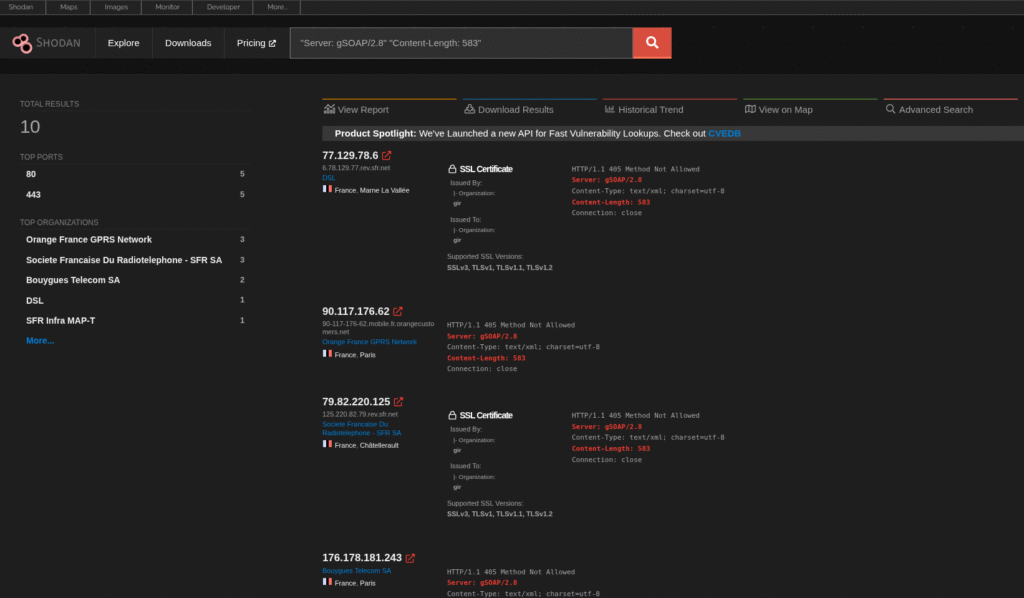
ip:"192.168.1.1"— Search for a specific IP address.net:"192.168.1.0/24"— Target devices within a specific CIDR subnet.hostname:"example.com"— Match servers linked to a specific domain or subdomain.port:"22"— Limit results to devices with a specific open port.org:"Google"— Filter by ISP or organization name.asn:"AS15169"— Filter by Autonomous System Number.os:"Linux"— Filter by operating system.country:"US"— Filter by two-letter country code (e.g., US, TR, DE).city:"New York"— Filter by target city.geo:"37.7749,-122.4194"— Search within a radius around specific coordinates.
2. Intermediate Web & Infrastructure Filters
Use these filters to target web technologies, cryptographic assets, and specific application layers.
product:"Apache"— Search by identified software or service.version:"2.4.41"— Target a specific software version.title:"Index of /"— Search for text inside the HTML title tag.html:"Dashboard"— Search within the raw HTML body code.http.status:200— Filter by specific HTTP status codes (e.g., 200, 403, 500).http.component:"wordpress"— Target specific web technology components.ssl:"example.com"— Match domain names listed in SSL/TLS certificates.ssl.cert.expired:true— Return devices with expired SSL certificates.ssl.cert.issuer.cn:"Let's Encrypt"— Filter by Certificate Authority (CA).has_screenshot:true— Limit results to hosts with visual screen captures.device:"cam"— Filter by device category (cam,router,firewall,switch).
3. Advanced Filters & Targeted “Dorks”
These queries isolate security gaps, unauthenticated services, or specific vulnerabilities.
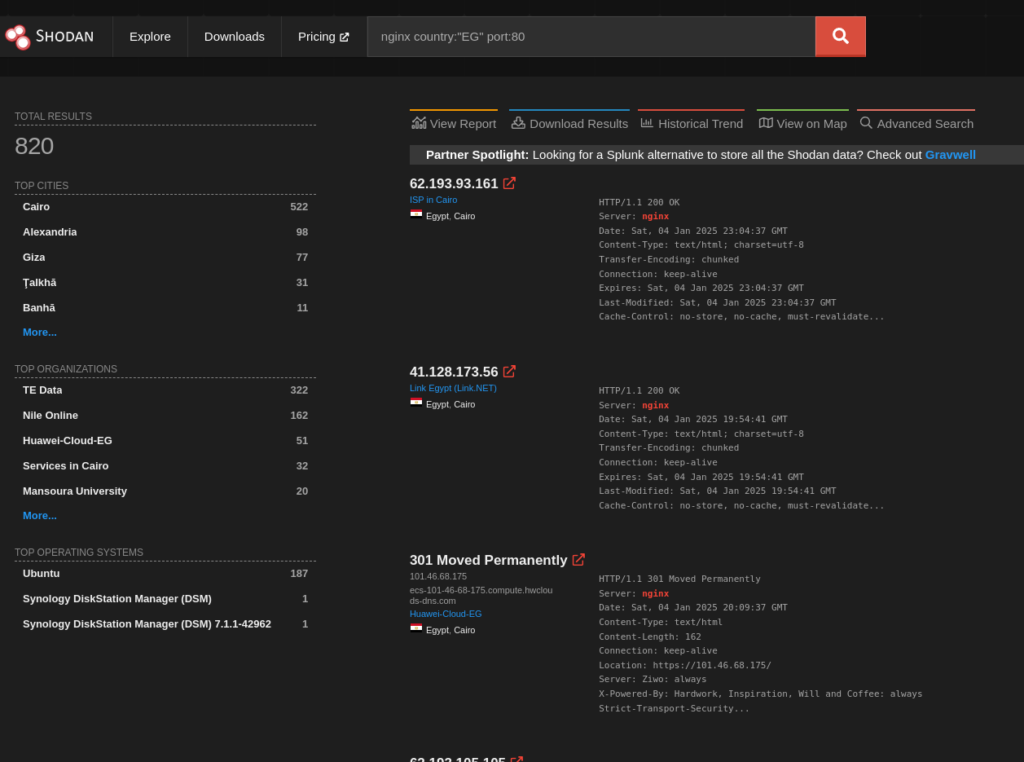
http.favicon.hash:<hash>— Query hosts based on a site’s favicon Murmur3 hash.ssl.cert.subject.cn:"*.example.com"— Uncover hidden subdomains using wildcard certificates.vuln:"CVE-2024-30078"— Find assets affected by a specific CVE (Requires API/Paid Subscription).tag:"compromised"— Locate hosts flagged by Shodan threat intelligence metrics."default password"— Locate exposed login interfaces displaying default credential notices."authentication disabled"— Identify unauthenticated databases or control panels."Set-Cookie: mongo-express="— Find exposed Mongo Express administration portals."Docker Command Line"— Locate unauthenticated Docker Daemon API endpoints (port:2375).
4. Common Protocols & Default Ports Reference
| Category | Service | Default Port | Practical Query Example |
|---|---|---|---|
| Web | HTTP / HTTPS | 80, 443 | port:80,443 "200 OK" |
| Remote Access | SSH / RDP / VNC | 22, 3389, 5900 | port:3389 "Remote Desktop" |
| Databases | MySQL / Postgres | 3306, 5432 | port:3306 "MySQL" |
| Databases | MongoDB / Redis | 27017, 6379 | port:27017 "MongoDB Server Information" |
| Search Engines | ElasticSearch | 9200 | port:9200 "elastic indices" |
| IoT / Messaging | MQTT / CoAP | 1883, 5683 | port:1883 "MQTT" |
| ICS / SCADA | Modbus / Siemens S7 | 502, 102 | port:502 |
| Management | SNMP / IPMI | 161, 623 | port:161 "public" |
5. Shodan Command Line Interface (CLI)
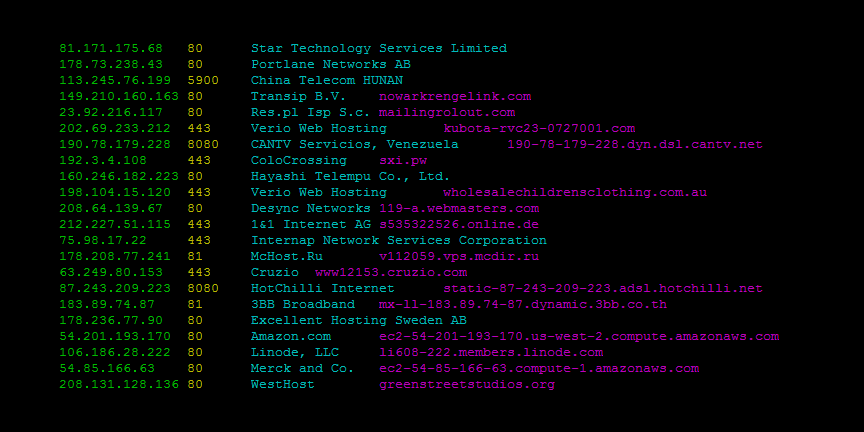
The CLI allows analysts to integrate Shodan directly into scripts and automated workflows.
shodan init <API_KEY>— Authenticate the CLI using your API key.shodan info— Check remaining search and scan credits.shodan search "port:22 country:US"— Run a live query from your terminal.shodan host <IP>— Retrieve detailed scan records for a single IP address.shodan count "vuln:CVE-2024-30078"— Check total query results without spending query credits.shodan download results.json.gz "org:'Google'"— Download search results to a compressed file.shodan parse --fields ip_str,port results.json.gz— Extract specific columns from saved JSON output.shodan stats --facets port "country:US"— Generate statistical breakdowns for specific facets.shodan myip— Output your current public IPv4/IPv6 address.
Conclusion
Shodan remains an indispensable asset discovery platform for modern security teams, threat hunters, and OSINT researchers. By shifting the focus from internal network monitoring to an external, attacker-centric viewpoint, it bridges the gap between static inventory lists and real-world exposure. As cloud environments expand and remote infrastructure grows increasingly complex, maintaining continuous visibility over public-facing entry points is no longer optional—it is a critical requirement for effective Attack Surface Management. Mastering the search syntax outlined in this guide enables analysts to filter out noise and pinpoint high-risk misconfigurations with precision. Combining basic boolean logic with specific product, protocol, and SSL metadata filters transforms raw banner data into actionable threat intelligence. Whether auditing database security, tracking certificate lifecycles, or monitoring for unauthorized shadow IT, these structured query techniques dramatically reduce response times when identifying exposed infrastructure. Ultimately, integrating Shodan—whether through its web interface, automated CLI tools, or continuous API pipelines—empowers organizations to take a proactive stance against emerging threats. By regularly querying network blocks, tracking software vulnerabilities, and resolving exposed services before adversaries can exploit them, security professionals can effectively harden their defenses and maintain a robust posture across the global digital landscape.